
Let's get you set up.
Your download will begin automatically. If it didn't, download Hibiscus manually.
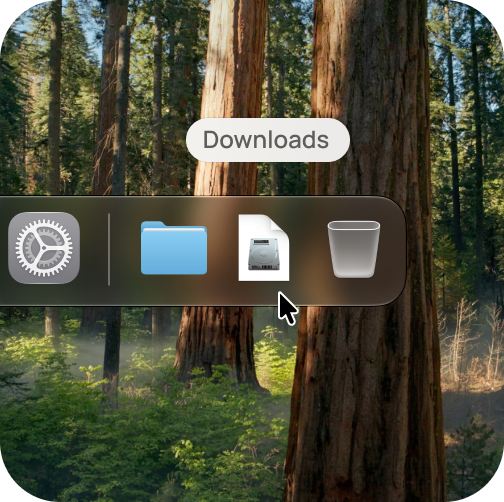
Open Hibiscus.dmg from your Downloads folder
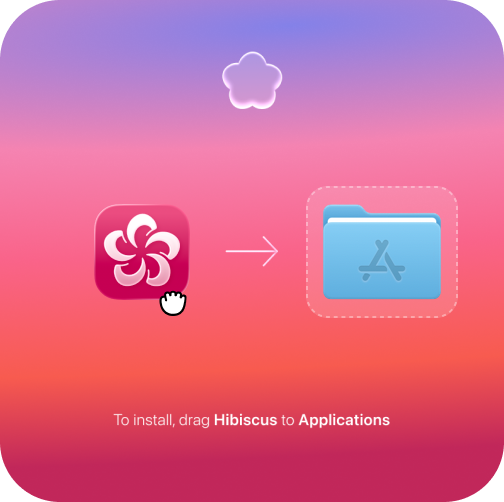
Drag the Hibiscus icon into your Applications folder
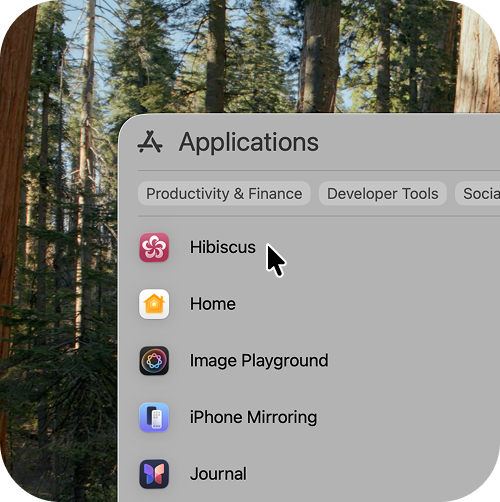
Open the Hibiscus app from your Applications folder